



















Keeping up with Marketo Engage release notes is an essential part of managing marketing operations effectively. The updates rolled out in September 2026 bring a balanced combination of user interface refinements, administrative safeguards, design studio enhancements, and technical API guardrails.
For marketing operations professionals, staying ahead of these changes ensures that instance performance remains optimal, lead routing stays intact, and campaign execution runs without unnecessary friction. Rather than focusing solely on long-term platform promises, this release addresses concrete everyday friction points while introducing crucial technical thresholds that enterprise teams must account for.
Here is an in-depth, realistic look at what is changing in the September release, what these updates mean for your daily workflows, where potential pitfalls lie, and how to prepare your team for seamless adoption.
Navigating the New User Interface: Aesthetic Progress and Practical Realities
The roll-out of the updated Marketo Engage user interface continues to progress, giving the platform a cleaner, more modern look and feel. The updated visual design aligns Marketo Engage with the broader aesthetic of Adobe Experience Cloud, offering cleaner navigation panels, improved iconography, and a more spacious visual layout.
From a visual perspective, the update is a welcome modernisation. However, from a practical marketing operations perspective, any significant user interface shift comes with an adaptation curve. While all core functionality remains intact within the new interface, certain buttons, options, and contextual menus have been relocated to different areas of the screen.
For team members who rely heavily on muscle memory to build complex smart campaigns or manage assets quickly, these structural relocations can temporarily slow down execution speed. In a few specific instances, locating obscure settings or deeply nested options in the new interface can still feel slightly unintuitive. When working against tight campaign launch deadlines, switching back to the classic user interface remains a practical safety net.
Marketing operations managers should prepare their teams by acknowledging this transition phase. Encouraging power users to explore the new interface during routine tasks while allowing them to toggle back to the classic UI when troubleshooting complex issues ensures that operational productivity is maintained without causing frustration.
Streamlining Data Imports: Selecting Partitions at the Front Door
Among the various functional enhancements in the September release, the ability to select a target person partition directly during the data import process stands out as a major operational win. While this might appear to be a modest interface tweak on the surface, its day-to-day impact for multi-partition enterprise instances is significant.
In multi-workspace and multi-partition Marketo environments, importing lists historically required careful attention to default partition assignments or subsequent batch smart campaigns to move newly created records into their intended partitions. Accidental imports into the wrong partition could lead to visibility issues, incorrect lead scoring, or unintended inclusion in workspace-specific smart lists.
By allowing users to explicitly define the target partition right at the moment of file upload, Adobe has eliminated a multi-step administrative workaround. This change reduces the risk of human error during manual list uploads and saves valuable time for operations teams managing multi-regional database structures. It is particularly reassuring to see Adobe continue to address these practical, incremental user requests alongside their larger architectural platform shifts.
Administrative Safeguards: Sync Notifications and Resilient Flow Steps
Maintaining instance health and preventing unexpected system breakdowns requires constant monitoring by system administrators. The September release introduces two significant improvements designed to protect system stability and give administrators greater visibility over background processes.
Automated Sync Status Notifications
One of the most valuable administrative upgrades in this release is the introduction of automated notifications when the system sync switches on or off. The CRM sync between Marketo Engage and platforms such as Salesforce or Dynamics is the central nervous system of marketing operations. When a sync pauses unexpectedly due to credential expirations, custom field mismatches, or manual administrative toggles, the downstream effects can be severe.
Unintentional sync pauses can cause lead routing delays, missed sales SLAs, outdated lead scores, and broken reporting attribution. Previously, administrators often had to discover sync disruptions retroactively by noticing lead backlogs or receiving complaints from sales operations. Receiving real-time alerts whenever the sync status changes allows administrators to intervene immediately, avoiding major operational dramas before they impact revenue teams.
Enhancements to Self-Service Flow Steps
Alongside sync notifications, Adobe has further strengthened Self-Service Flow Steps. Custom flow steps allow teams to extend standard Marketo smart campaign actions by connecting directly to external Webhooks, custom microservices, or third-party data enrichment tools.
Making these flow steps more robust improves error handling and execution reliability when calling external APIs. For marketing operations teams that rely on custom flow steps for real-time address validation, third-party data append services, or custom SMS gateway triggers, this added stability ensures that campaign workflows process reliably without silently failing or stalling lead movement.
Email Designer Evolution: Tables, Rendering Realities, and Brand Theme Folder Transparency
The new Email Designer continues to receive targeted updates aimed at providing a more flexible and organised editing experience. The September updates introduce both structural content improvements and subtle workspace organisation upgrades that significantly aid template governance.
Table Support in the New Email Designer
The addition of native table support within the new Email Designer satisfies a long-standing request from email marketers. Creating structured layouts for multi-product summaries, event schedules, pricing tiers, or tabular data summaries previously required complex custom HTML coding or clunky image overlays.
While native table controls simplify email creation, marketing operations professionals must treat table elements with cautious validation. HTML table rendering across desktop and mobile email clients remains notoriously inconsistent. Older desktop versions of Microsoft Outlook, specific mobile webmail apps, and dark mode renders frequently handle table borders, cell padding, and inline styling differently.
Teams taking advantage of table elements in the new email designer should strictly enforce pre-send testing protocols. Running layout tests through email rendering platforms such as Litmus or Email on Acid prior to deployment is essential to confirm that tabular content displays cleanly across all major inbox providers.
Dedicated Brand Theme Folders in Design Studio
While table support received primary visibility in the release documentation, an equally impactful change occurred within the Design Studio folder structure. Brand themes now have their own dedicated folder within the Design Studio tree.
This structural separation is a major improvement for workspace transparency and asset governance. Previously, brand themes were often mixed in with general template files, making it difficult for administrators to restrict editing permissions or quickly locate core design assets. Giving brand themes a distinct location in the asset tree establishes clear boundaries between foundational branding rules and individual campaign templates, helping multi-brand enterprise teams maintain strict design consistency.
Technical Guardrails: Static List Size Limits for API Calls
Beyond the visual and administrative improvements, the September release introduces a critical technical constraint that requires immediate attention from technical marketing operations teams and system architects.
Adobe has introduced a formal limit on API calls that query static lists above a defined size threshold. Specifically, API requests to endpoints such as Get Lead Activities or Get Lead Changes using the listId parameter will now fail if the target static list contains 10,000 or more records. When an API call exceeds this threshold, Marketo will return Error Code 1003, indicating that the target list exceeds the maximum permitted record limit.
API Limit Overview:
– Target Endpoints: Get Lead Activities, Get Lead Changes (using listId parameter)
– Threshold: Static lists with 10,000 or more records
– Error Returned: Error Code 1003
– Action Required: Audit custom middleware and transition to Bulk Extract APIs
For smaller instances, this threshold may have minimal impact. However, in enterprise environments where custom integrations, data warehouse extract pipelines, or external middleware rely on static lists to segment data for processing, this limit can cause unexpected integration breaks.
To prevent data synchronisation failures, technical teams should take immediate action:
- Audit Existing Integrations: Identify all external scripts, middleware recipes, or custom software that query Marketo static lists via REST API endpoints.
- Review List Sizes: Check the record counts of static lists currently targeted by automated API workflows.
- Refactor Workflows: Transition heavy data extraction processes away from standard REST list queries and move them to Marketo’s Bulk Extract APIs, which are explicitly built to handle large volume data extractions safely.
The Broader Landscape: Marketo Engage in the Expanding Ecosystem
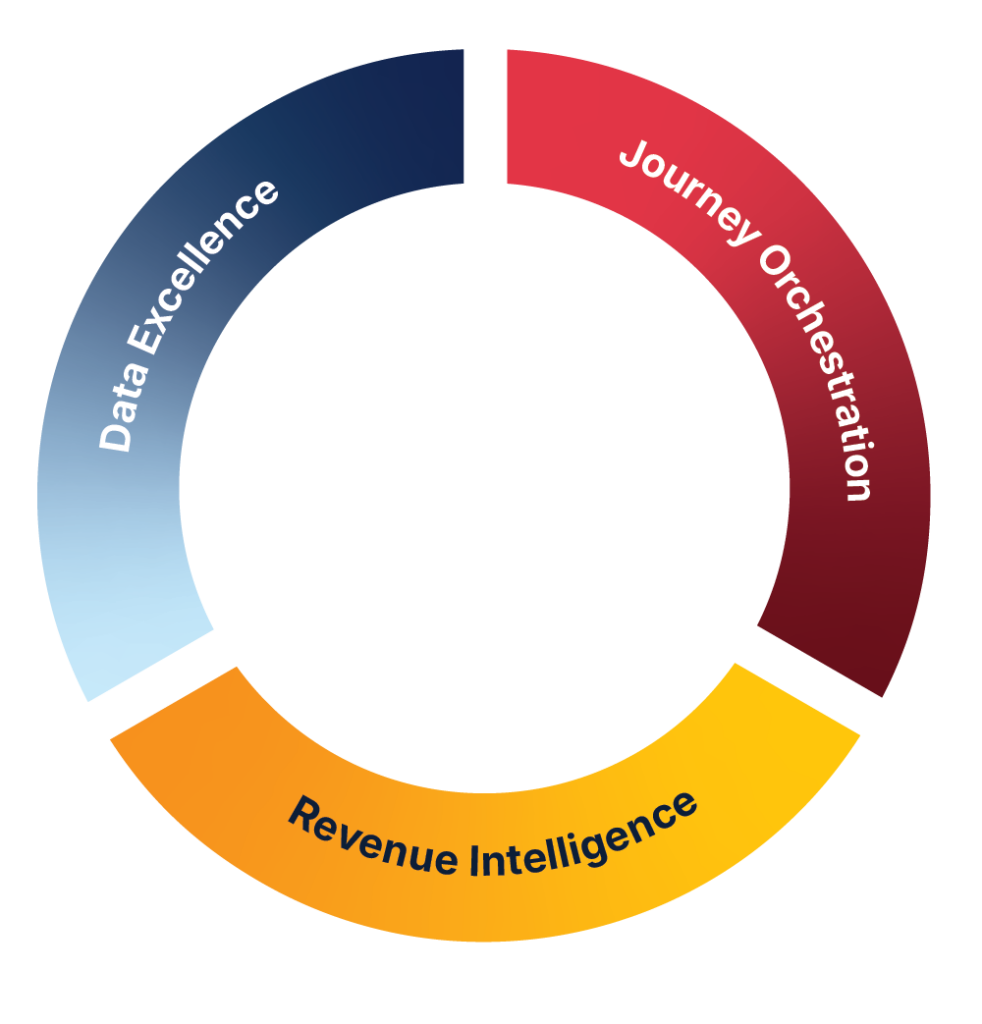
While individual feature updates inside the platform deliver immediate operational value, it is equally important to step back and view Marketo Engage within its broader context. Marketo Engage is no longer just an isolated marketing automation tool; it represents a core execution engine within a much larger, interconnected B2B customer journey ecosystem. Adobe have just introduced Marketo Optimize and Marketo Qualify as two new siblings into the Marketo family.
As organisations mature, integrating Marketo Engage with broader customer data platforms, unified B2B profile centers, and advanced analytics engines becomes central to scaling personalised buyer journeys. Navigating this expanding ecosystem requires a clear architectural vision to ensure data flows seamlessly between core automation engines and broader enterprise platforms.
Turning September Updates into Operational Advantage
The September 2026 release offers a practical blend of usability enhancements, protective governance features, and necessary technical guardrails. By addressing daily operational friction while tightening API parameters, Adobe continues to mature Marketo Engage for enterprise scale.
To maximise the benefits of this release while protecting your instance stability, focus on four key steps:
- Prepare Your Power Users: Help your team adapt to the new user interface while establishing classic UI toggles as a backup for complex tasks.
- Leverage New Usability Features: Prepare your users for the extra question on partition selection if you are actively using Workspaces & Partitions.
- Establish Design Studio Controls: Organise brand themes within their new dedicated folder structure and enforce strict rendering checks for emails using table layouts.
- Audit API Pipeline Limits: Review all custom integrations for static list queries exceeding 10,000 records to prevent Error Code 1003 disruptions.
By proactively managing these updates, marketing operations leaders can turn incremental release notes into a structured strategy for reliable, efficient execution.
Connect with Katja on LinkedIn.
Frequently Asked Questions
The ability to select target person partitions directly during the file import process. In multi-partition enterprise instances, this eliminates the multi-step workaround of relying on default partition assignments or running follow-up batch smart campaigns to move records, significantly reducing human error and save operational time.
The release introduces two major protective features:
Automated Sync Status Notifications: Instant alerts when the CRM sync (e.g., Salesforce, Dynamics) switches on or off, preventing undetected sync disruptions.
Resilient Self-Service Flow Steps: Improved error handling and execution reliability for custom flow steps connecting to external Webhooks and microservices.
Yes. While native table support simplifies multi-product summaries or tabular schedules without custom HTML, email client rendering remains notoriously inconsistent across platforms (especially older versions of Outlook and dark mode settings). Teams should run rigorous pre-send rendering tests via platforms like Litmus or Email on Acid before deploying table layouts.
Adobe has introduced a technical limit on REST API calls querying static lists. If an API request to endpoints such as Get Lead Activities or Get Lead Changes targets a static list with 10,000 or more records, Marketo will return Error Code 1003 and fail.
Technical teams and marketing ops managers should take three steps immediately:
Audit existing integrations: Identify any middleware, scripts, or data warehouse pipelines querying Marketo static lists via REST API endpoints.
Review list sizes: Identify target static lists containing 10,000+ records.
Refactor workflows: Transition high-volume data extraction from standard REST queries over to Marketo’s Bulk Extract APIs.