



















A marketing automation migration is one of the few projects where a single mistake can erase years of data and stall every campaign at once. If you’re facing one, the anxiety is rational. This piece covers what actually goes wrong when teams consolidate onto Marketo Engage – and the planning, testing, and cutover discipline that keeps a migration from becoming a recovery exercise.
Most migrations fail before they touch the data
The framing most teams start with is the problem. A migration gets scoped as a data-transfer project: export from the old platform – or, increasingly, several of them – import to Marketo, reconnect the integrations, go live. That description is technically accurate and strategically useless, because it treats the hardest part – the workflow that runs on top of the data – as an afterthought.
What breaks in a migration is rarely the data export. It’s the lead routing that quietly stops firing, the scoring model that no longer maps to the new field structure, the sync to the CRM that now creates duplicates, the rip and replace of every web form that’s been deployed, the unsubscribe logic that doesn’t carry over and lands you a compliance problem. None of that shows up in a record count. It shows up three weeks later when sales asks why the leads dried up.
A migration is not a data-transfer project with some process attached. It’s a process redesign that happens to move data.
That reframing changes who needs to be in the room and when. It moves the conversation from “did everything copy across” to “does the revenue process still work on the other side.” For a MOps leader, that distinction is the whole job. if you’re doing this for pure cost reasons, you may end up spending more in the long term getting back to the same level of maturity.
Plan for what breaks, not just what moves
Good migration planning starts with an honest audit of what you actually have, not what the documentation says you have. In most instances we work with, a meaningful share of programs, smart campaigns, and automations are dormant, duplicated, or no longer understood by anyone still on the team. Migrating all of it faithfully is the most common and most expensive mistake. You pay to rebuild complexity you should have retired.
So the first deliverable isn’t a project plan. It’s an inventory with a decision against every asset: migrate, rebuild, consolidate, or kill. That single exercise tends to shrink the scope considerably, and it surfaces the dependencies that would otherwise become go-live surprises.
From there, sequence the work in phases and assign clear ownership for each – including the parts that sit outside marketing’s control, like the CRM sync, SPK, DKIMs, domain names, and any data warehouse feeds – these massively impact deliverability and open rates.. The plan that protects you isn’t the one that maps the happy path. It’s the one that names what could go wrong at each stage and decides, in advance, what your rollback position is. If you can’t answer “what do we do if the cutover fails at 2am,” you haven’t finished planning.
Treat data migration as a series of decisions, not a copy job
The data itself deserves the same scrutiny. A clean migration is a chance to fix the data quality problems you’ve been carrying for years; a careless one bakes them into a brand-new platform and you start the next cycle already in deficit.
Work through it deliberately. Map every field to its new home and decide what happens to fields with no equivalent – this is where silent data loss hides. De-duplicate before you touch anything, because matching logic differs between platforms and a merge run post-cutover can do real damage. Decide what history you genuinely need: full activity logs, or a defined window. Carrying everything is rarely worth the cost-to-value, and it slows every sync that follows.
Structure the move in distinct stages. Start with the initial migration to establish your baseline dataset in the target environment, then use targeted deltas to sync only the net-new and modified records added during the transition window. This keeps downtime brief and prevents broad overwrites.
Throughout the process, conduct rigorous data validation against representative samples before you trust the whole. Pull records and check them field by field in the new environment – not just that they arrived, but that business logic, formatting, and historical context mean the exact same thing they did before.
Test like you expect it to fail. Cut over like you’ve rehearsed it
Testing a migration is not a final checkbox; it’s a phase with its own time and budget. The most reliable approach is to run the new platform in parallel with the old one before any switch, so you can compare behavior on live data without consequences. Send to seed lists. Trigger the journeys. Watch what the integrations do under real conditions, because that’s where the failures live.
Build a smoke-test checklist of the things that absolutely must work on day one – core campaigns, lead routing, CRM sync, form processing, unsubscribe handling – and run it the moment you cut over, not the morning after.
Cutover itself should be boring, because you’ve rehearsed it. Pick a low-traffic window, freeze changes on both sides, follow a written runbook, and keep the old platform recoverable until you’re certain. If something does break, recovery is a matter of executing a plan you already wrote, not improvising at speed. That difference (rehearsed recovery versus panic) is usually what separates a migration people remember as smooth from one they remember as a near-miss.

Case study
What clean execution looks like: consolidating four platforms onto Marketo
The payoff is visible in the work. Through acquisitions, Data Center Dynamics inherited four separate platforms: Marketo, Mailchimp, HubSpot, and Grip – a sprawl of redundant data, fragmented workflows, and compounding costs.
Instead of a like-for-like move, we consolidated all four into a single Salesforce–Marketo instance. We audited first, cut what wasn’t working, and rebuilt core workflows. The result: cleaner data, a unified team, and £70,000 in annual savings.
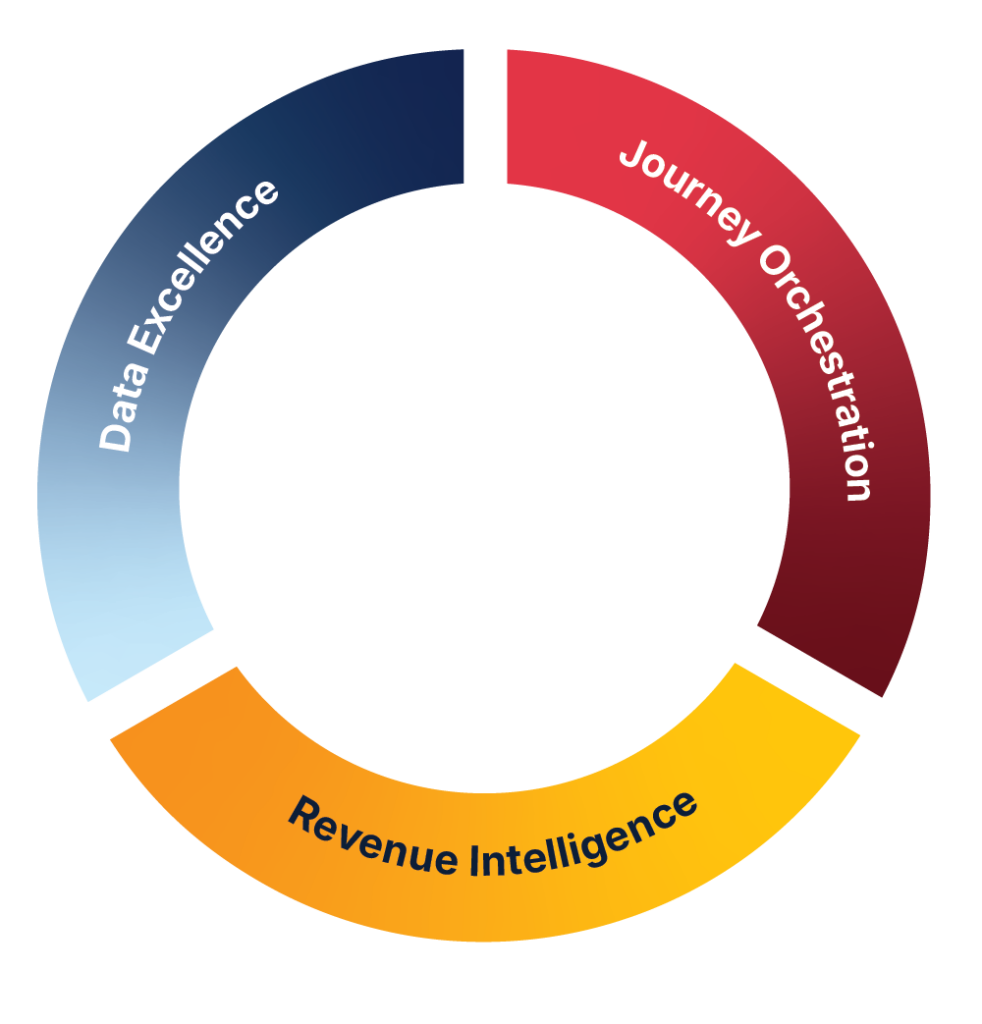
It’s a clear example of Data Excellence in practice: fix the data and workflows during consolidation, and everything downstream becomes easier – and cheaper.
Read the full breakdown of what changed and what it saved.
What to do before your next migration
If a migration is on your horizon, three things are worth starting this week, before any platform conversation. Inventory what you have and mark each asset migrate / rebuild / consolidate / kill – you’ll almost certainly find the real scope is smaller than feared. Write the field-mapping and data-quality decisions down, especially the fields with no obvious home. And draft the rollback position for cutover, so the plan exists while everyone is calm rather than at 2am.
Do that, and the migration stops being a leap of faith and becomes a managed sequence of decisions you’ve already made.
Download our Step-by-step checklist for Marketo migration
Take the next step
Plan Your Migration with Precision
A marketing automation migration isn’t just a data transfer – it’s a workflow redesign. Clean migrations require auditing first, purging bad data, testing in parallel, and rehearsing the cutover.
Planning a platform migration? Book a consultation to pressure-test your plan before anything moves.
Connect with James on LinkedIn.
Frequently Asked Questions
It depends far more on the complexity of your existing setup than on the platforms involved. The audit and decision phase is what determines timeline – a fragmented instance with years of undocumented automation takes longer to untangle than a clean one to move, but JTF would estimate 6-8 weeks.
What’s the business impact with platform migration?
It’s not the data export – it’s the hidden operational tax. Downtime during cutover, broken lead routing, failed syncs, and silent data loss directly disrupt revenue generation and customer communication. That’s why validation has to test business logic and workflows, not just line items.
Rarely. Migrating dormant or duplicated assets faithfully is one of the most expensive mistakes teams make. Inventory first and decide what to retire – most instances can shed a meaningful share of their complexity at migration.
It raises the stakes but not the method. Consolidating multiple tools onto Marketo means more duplication to resolve, more conflicting data to reconcile, and more workflows to rationalize – which makes the audit-and-decide phase even more important. Data Center Dynamics consolidated four platforms (Marketo, Mailchimp, HubSpot, and Grip) into one Salesforce–Marketo instance using exactly this sequence.
Run the new platform in parallel with the old before switching, pick a low-traffic window, follow a written runbook, and keep the old platform recoverable until you’ve confirmed the essentials work. Rehearsed cutovers are quiet; improvised ones are not.